Fix gyro delay and game lag. Boost, calibrate and test your phone's motion sensors, launch your games from one hub and test your controller.
Learn more
Google Play

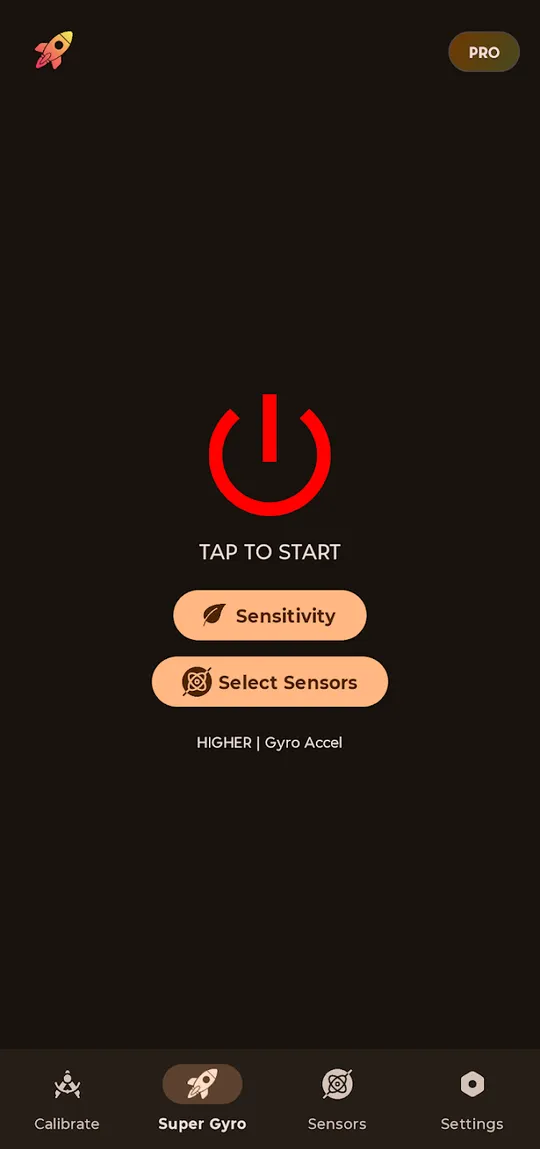
Precise, lag-free motion controls. Calibrate your gyroscope and accelerometer, choose which sensors to use, set the sensitivity and watch live sensor data for shooters, racing, AR and VR games.
Screenshots
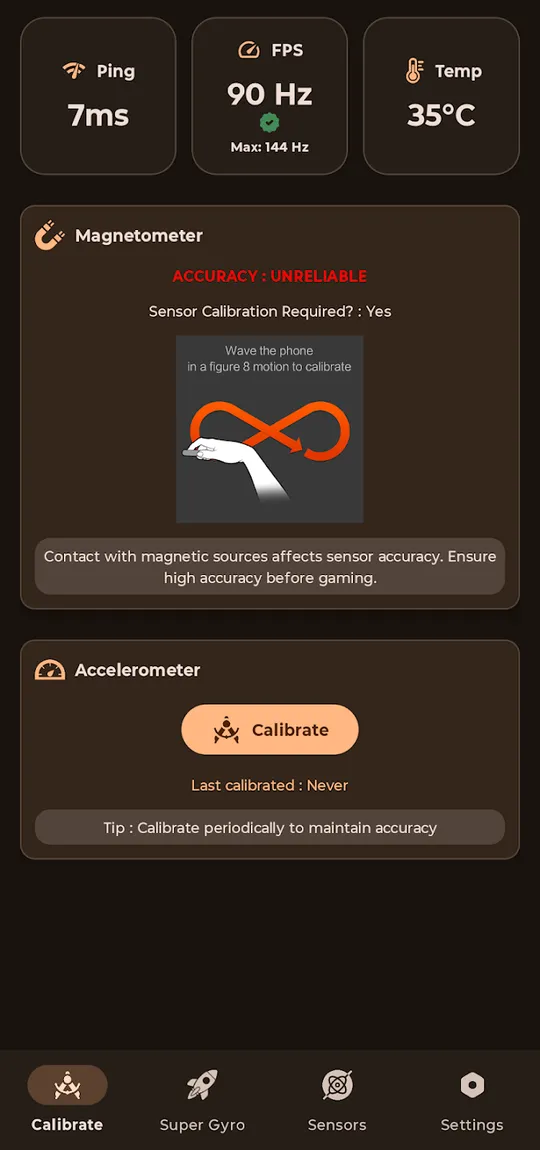
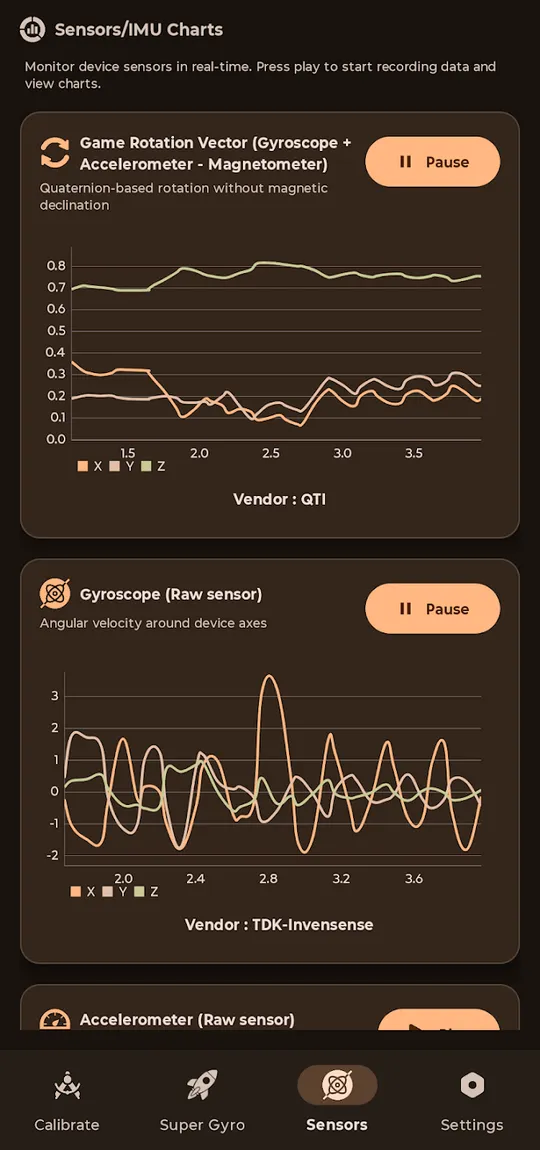
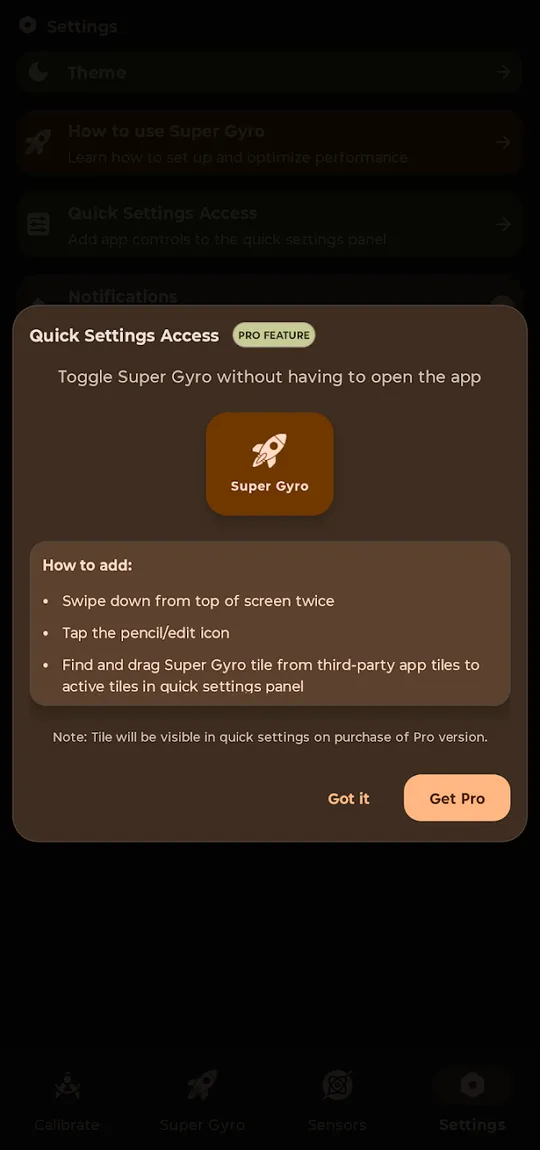
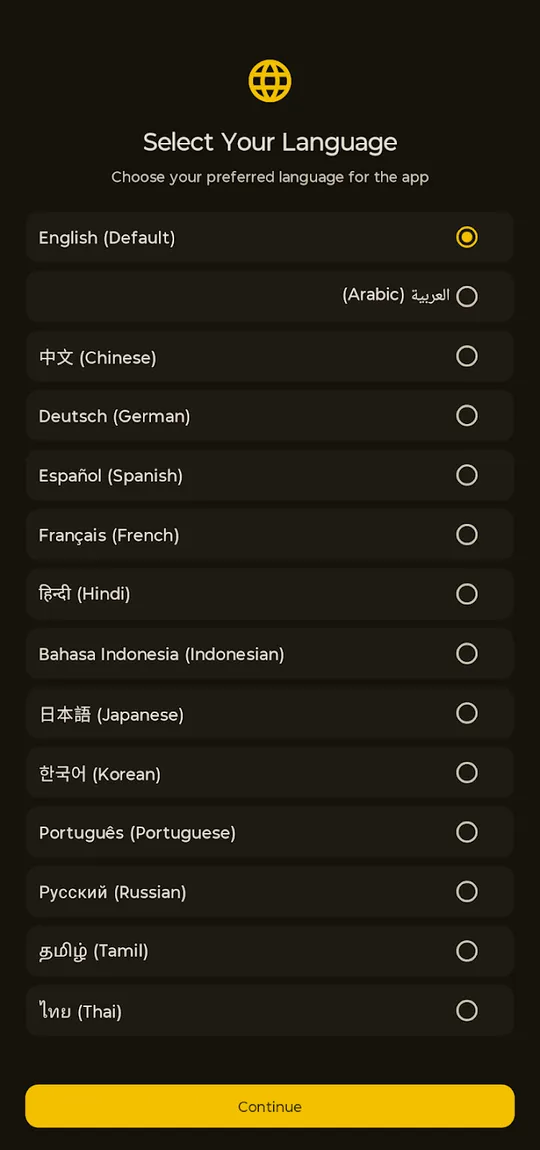
Features
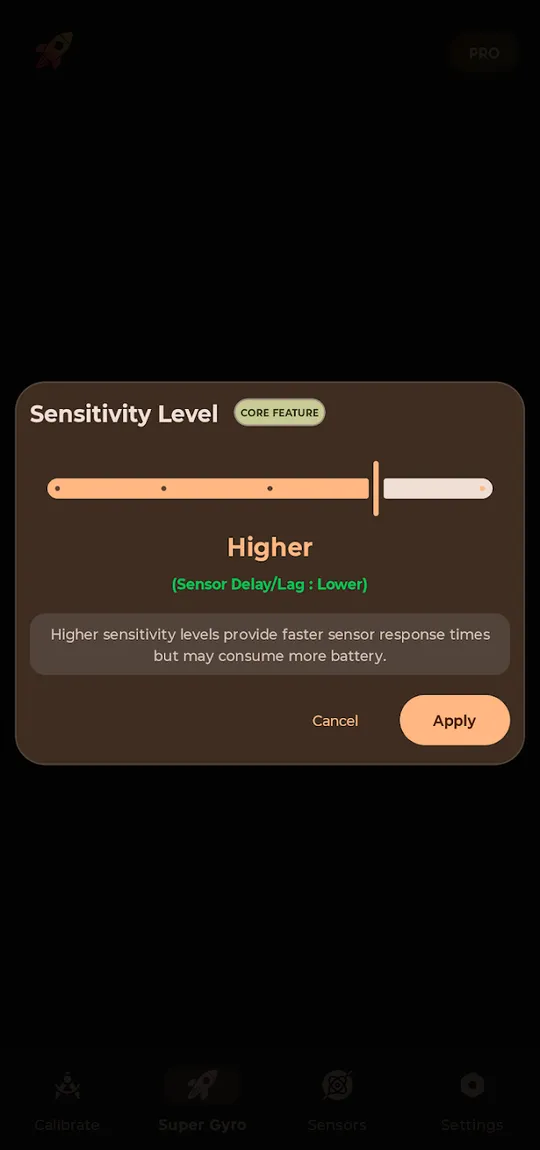
Set how fast your sensors report. Higher levels lower delay for fast shooters; lower levels save battery.
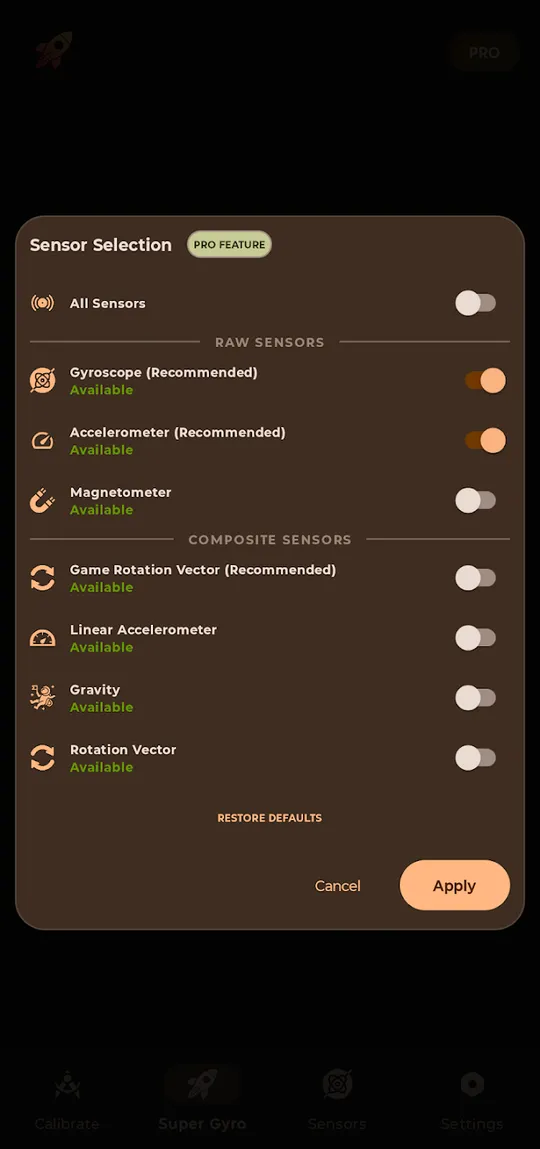
Choose the gyroscope, accelerometer, game rotation vector and more, so games get the motion data that suits them.
Check magnetometer accuracy and calibrate the accelerometer for steadier, more accurate aim.
Record and view raw gyroscope, accelerometer and rotation-vector data, with the sensor vendor shown.
Ping, refresh rate and device temperature on one screen before you play.
Turn Super Gyro on from your home screen or the Quick Settings panel without opening the app.
How it works
Choose which sensors to use. The recommended ones are already selected.
Choose a level. Higher means lower delay; the app shows the trade-off with battery.
Press the power button, then switch to your game. Super Gyro keeps working in the background.
FAQ
Super Gyro focuses on fine control of your sensors: which ones to use, how sensitive they are, and live charts. Gyroscope Test Calibrate Boost is an all-in-one game hub with Motion Boost, a game launcher, a controller tester and device vitals.
It lets you raise the rate at which your sensors report, which shortens the delay between moving your phone and the game reacting. How much you notice depends on your phone and the game.
An uncalibrated magnetometer or accelerometer is the usual cause. Use the calibration screen, away from magnets and metal objects.
The core booster and calibration are free. Some extras, such as custom sensor selection and the Quick Settings tile, are part of Pro.
Yes. It is free with ads, and Pro is an optional in-app purchase.
More from us
Fix gyro delay and game lag. Boost, calibrate and test your phone's motion sensors, launch your games from one hub and test your controller.
Discover, search and launch hundreds of VR and AR games and apps for your phone, sorted into clear categories.